

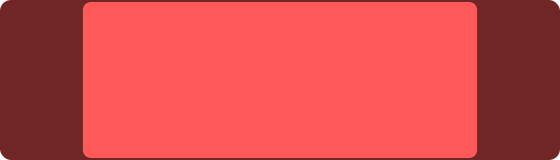
Range Slider
Range Sliders are sliders with both a high point and a low point. Touch the control in the center to adjust both the high and low points simultaneously, or touch the handles to adjust the high and low points independently. You can resize the Range Slider to change its orientation from horizontal to vertical.
Settings
| Setting | Description |
|---|---|
| Default Value | The range that the slider starts at when the interface is opened. When "Resets to Default" is enabled, the slider will return to this range after you stop touching it. |
| Smooth Transitions | When set to "On", the slider's bounds will smoothly transition to a new value regardless of where you touch it. When set to "Auto", the slider's bounds will smoothly transition to a new value only if you touch near the handle. When set to "Off", the slider will immediately jump to the value corresponding to where you touch it. This only applies when adjusting the bounds of the slider; moving the entire range of the slider always results in a smooth transition. |
Variables
The following variables can be used when configuring outputs for this control:
| Variable | Description |
|---|---|
| Value Low | The lower value of the range slider, from 0 to 1 |
| Value High | The upper value of the range slider, from 0 to 1 |
OSC Messages
This control responds to the following OSC messages:
| Message | Description |
|---|---|
<address> position <x> <y> <width> <height> | Sets the control's position. Coordinates are specified in pixels. |
<address> smoothTransitions <off|on|auto> | Enable or disable smooth transitions |
<address> color <blue|red|green|orange|purple|brown|gray> | Sets the control's color. |
<address> defaultValue <low> <high> | Sets the default low and high values (0 to 1) |
<address> value <low> <high> | Sets the low and high values (0 to 1) |
<address> <low> <high> | Sets the low and high values (0 to 1) |